Tutorial on how to build Boost with Mingw on Windows, Build a program with Boost plus linker libraries in codeblocks
[[toc]]
- WHAT IS including libraries
- EXPLANATORY VIDEOS OF INSTALLING BOOST WITH CODEBLOCKS AND MINGW ON WINDOWS
- SOME INFO ABOUT COMPILING BOOST WITH MINGW GCC
- My installation that worked: Install boost_1_64_0 with : mingw32-g++.exe (tdm-1) 4.9.2 Windows
- Link boost with codeblocks :
WHAT IS including libraries
https://stackoverflow.com/questions/1069602/how-do-i-install-a-c-library-so-i-can-use-it
Installing a C++ library means specifying to interested software (eg. a compiler) the location of two kinds of files: headers (typical extensions *.h or .hpp) and compiled objects (.dll or *.lib for instance).
The headers will contain the declarations exposed to the developer by the library authors, and your program will #include them in its source code, the dll will contain the compiled code which will be or linked together and used by your program, and they will be found by the linker (or loaded dynamically, but this is another step).
So you need to
1) put the header files in a location which your compiler is aware of (typically IDE allows to set so-called include directories, otherwise you specify a flag like “-I
EXPLANATORY VIDEOS OF INSTALLING BOOST WITH CODEBLOCKS AND MINGW ON WINDOWS
-
https://www.youtube.com/watch?annotation_id=annotation_4202322145&feature=iv&src_vid=qDVRrSzsqco&v=Mioo8Hnp6M8]
-
https://www.youtube.com/watch?v=49d0Abl2t0E&t=4s
-
http://megalomaniacbore.blogspot.com.ee/2014/05/setting-up-codeblocks-on-windows.html
SOME INFO ABOUT COMPILING BOOST WITH MINGW GCC
-
http://megalomaniacbore.blogspot.com.ee/2014/05/setting-up-codeblocks-on-windows.html
-
http://www.boost.org/build/doc/html/bbv2/overview/invocation.html - HERE ctrl + f toolset - toolset specified the compiler to use to compile boost. Tundub, et võiks töötada.
My installation that worked: Install boost_1_64_0 with : mingw32-g++.exe (tdm-1) 4.9.2 Windows
- Add mingw\bin directory to your path - so you could use gcc in powershell
- Go to boost root directory
- execute “. bootstrap.exe gcc” – sets up installation files
- execute “. b2.exe toolset=gcc” – builds boost files. Takes a long time
Link boost with codeblocks :
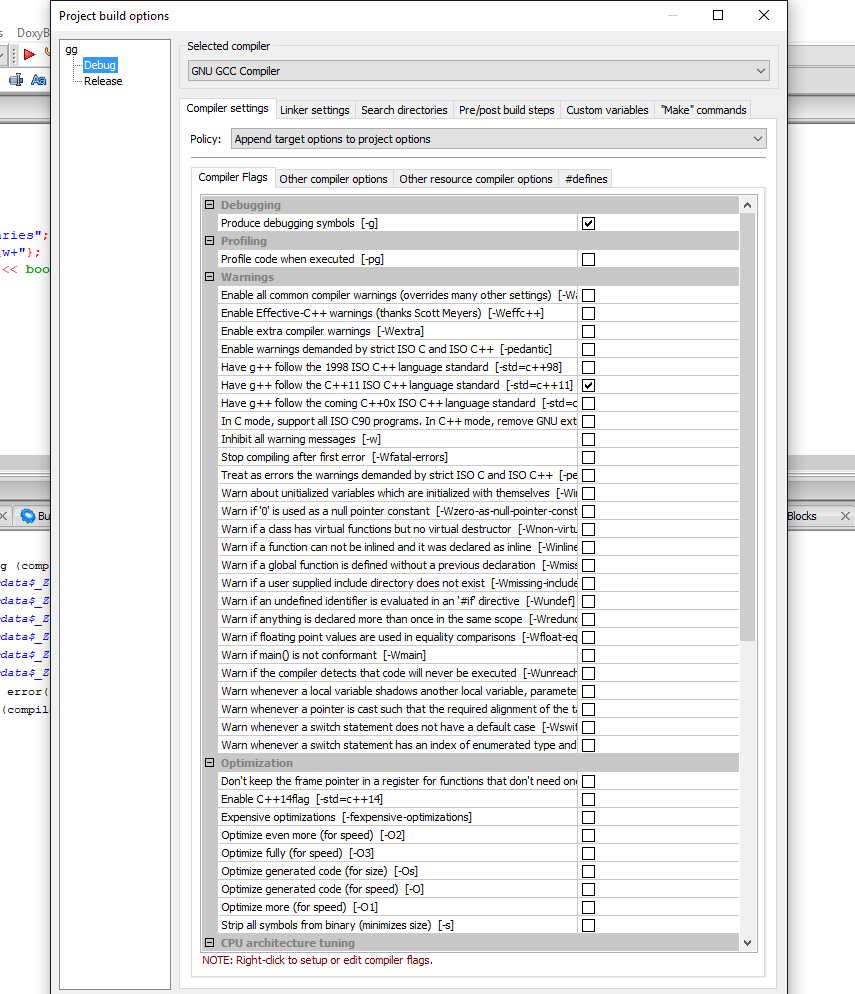
1 Right click on project -> Build options
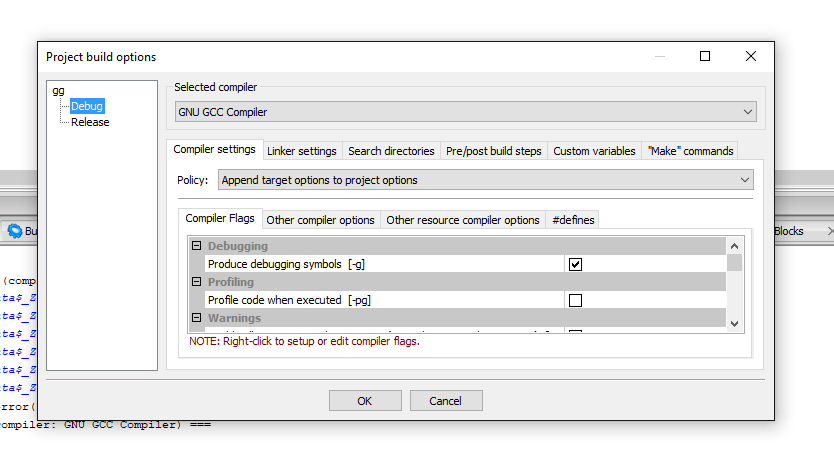
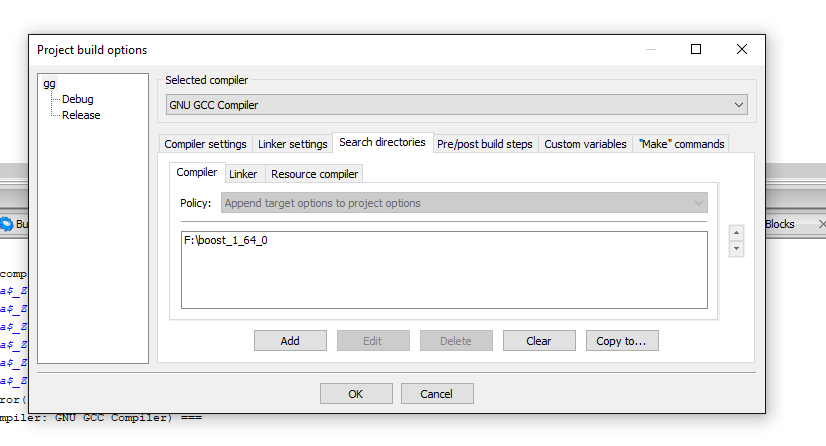
Click on project tree above Debug an Release. Here it is gg which is my project name. Then click on Search directories -> Add
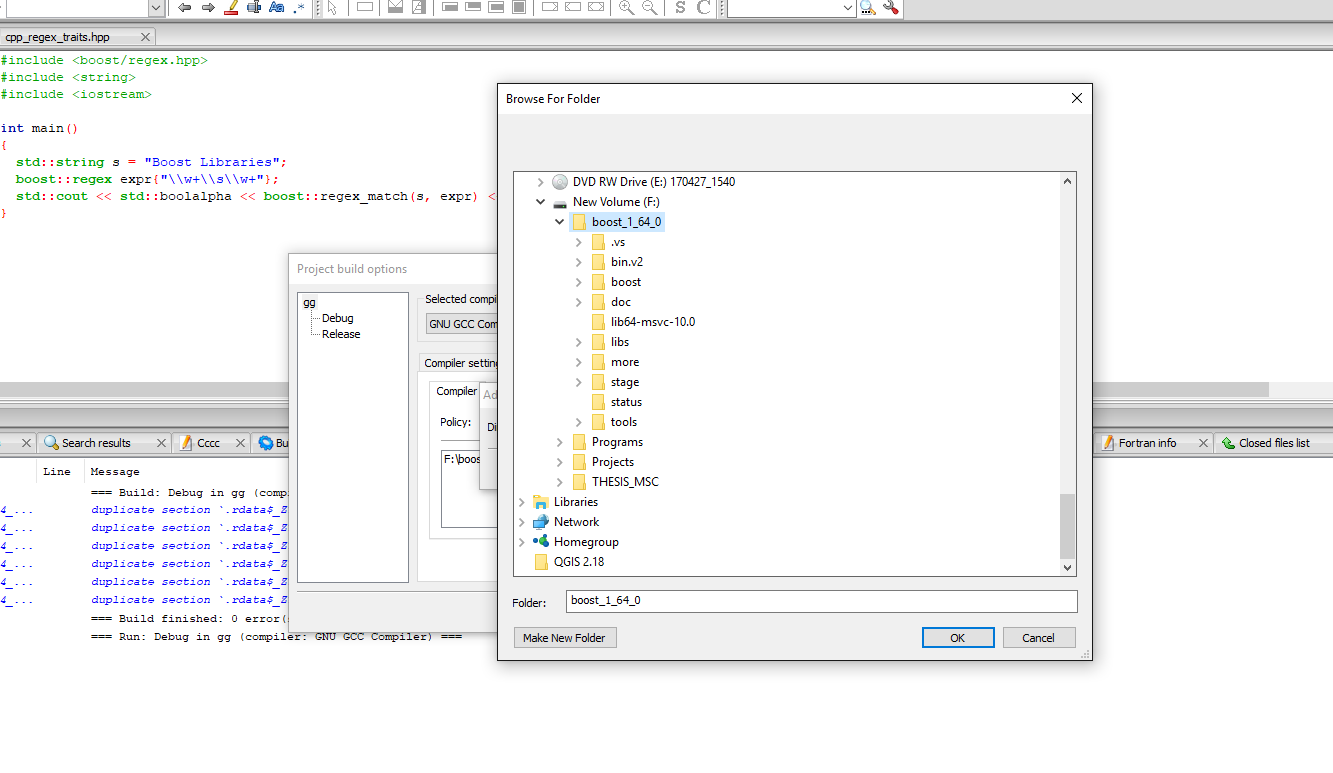
Add from the explorer ther root of your boost installation.
Now click on Linker Settings
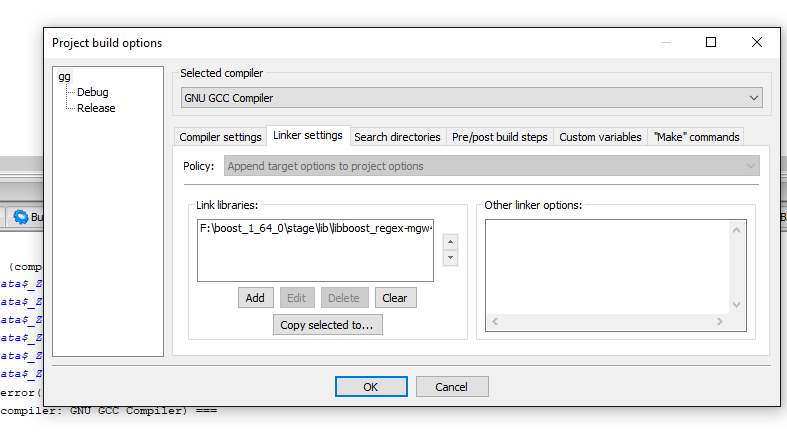
Add the built library [Sometimes you dont need to do that, because the library does not need it] for linking. From boost/stage/lib folder <- sometimes can be different.
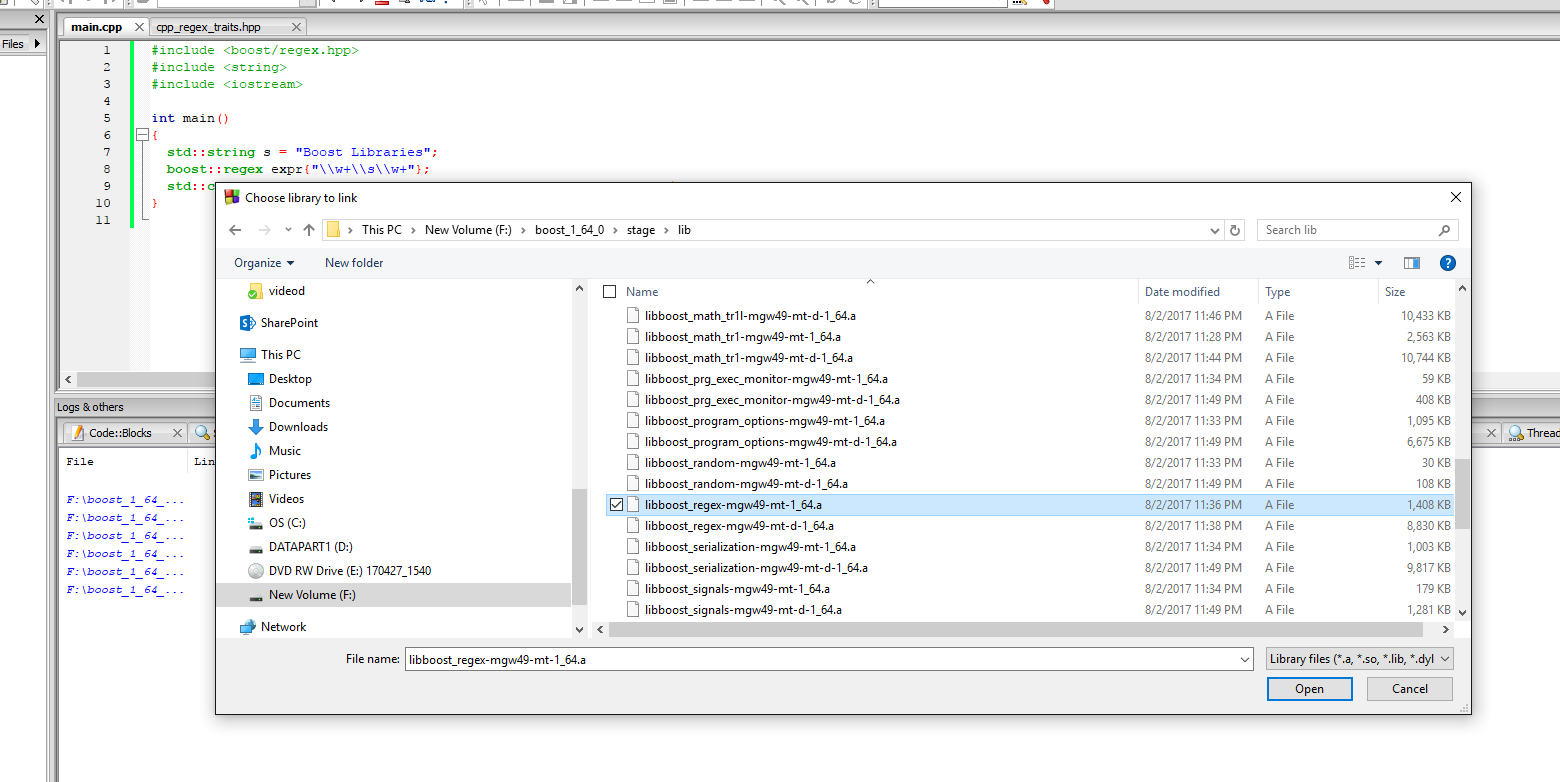
Compile your code. Sometimes you need to specify compiler settings at the same window you added libraries
#include <boost/regex.hpp>
#include <string>
#include <iostream>

int main()
{
  std::string s = "Boost Libraries";
  boost::regex expr{"\\w+\\s\\w+"};
  std::cout << std::boolalpha << boost::regex_match(s, expr) << '\n';
}